
What the version number is really telling you
You tap away every update prompt — but that string of digits spells out exactly what changed and what got fixed. Learn to read it in three seconds and never miss an upgrade that matters.
Read more →Open LetsVPN and let it do the rest. Smart line matching picks the fastest node for you — most connections complete within 3 seconds. With more than 2000 days of continuous operation, the service stays smooth even at peak hours.
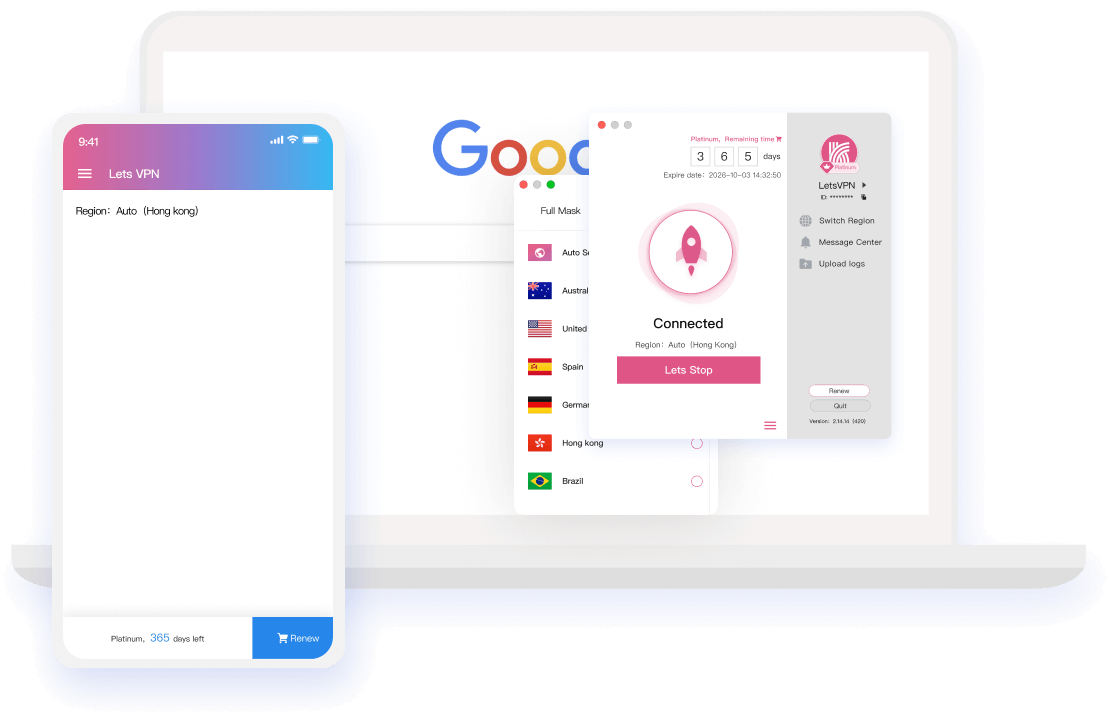
Speed, stability and peace of mind — six fundamentals the team refines every single day.
Tap the switch and the engine benchmarks every route, then locks onto the fastest one. No node picking, no settings — you are online almost before you notice.
Routes span every major region, so overseas sites feel like local pages. Traffic is encrypted end to end and leaves no trace — go anywhere, unrestrained and unrecorded.
A long-time leader in App Store utility rankings, backed by an independent Google security review and AppEsteem international certification. No traffic is logged or reported — your privacy stays yours.
Plans run from a single day up to a year. Try 72 hours free first, then decide. No auto-renewal traps, cancel any time — nothing keeps you locked in.
Windows, macOS, Android and iOS are all covered. Sign in with the same account on several devices at once — your membership follows you, so switching devices means buying nothing new.
More than a hundred live agents and engineers rotate around the clock. When something goes wrong you talk to a person immediately — never a bot that sends you in circles.












The supported list keeps growing
Desktop and mobile installers are ready; one account keeps every device online at the same time.

Point your camera at the code and the install starts in seconds
Releases, service notices and hands-on tips land here first.
You tap away every update prompt — but that string of digits spells out exactly what changed and what got fixed. Learn to read it in three seconds and never miss an upgrade that matters.
Read more →
Why did refunds take longer than promised? Why doesn't every amount match the remaining time? What pressure is the team under? Questions that deserve more than an apology get real answers here.
Read more →
As of midnight May 8 (Toronto time), account time is deducted under the normal rules again. Purchases affected between April 8 and May 8 will be compensated automatically once the freeze ends.
Read more →
The "is LetsVPN disappearing?" rumor can stop here: account freezes, self-service refunds and status tracking are all live. This post also walks you through spotting fake refund scams.
Read more →
LetsVPN is rolling out account time freeze, refund status tracking and self-service refunds in stages, together with a clear plan for resuming billing and compensating free time.
Read more →
We have had to suspend operations for mainland China and can no longer serve users there. We are truly sorry, and grateful for the trust you have given us along the way.
Read more →These fixes cover almost every install issue; if one doesn't, a human agent will.
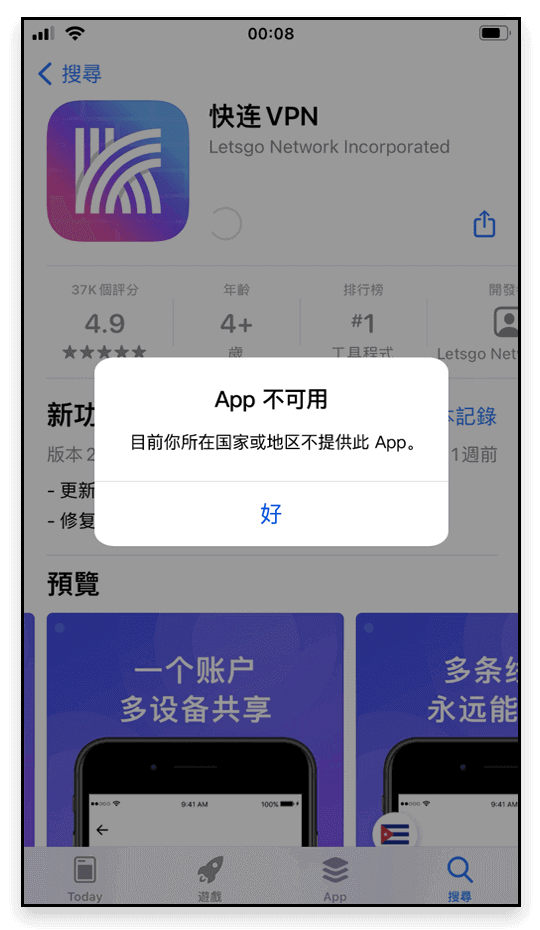
This is usually an Apple ID region issue: check whether your account is in <Mainland China>, or whether you switched regions recently and Apple has not finished syncing;
Fix: sign out and download again with a <Hong Kong Apple ID>.
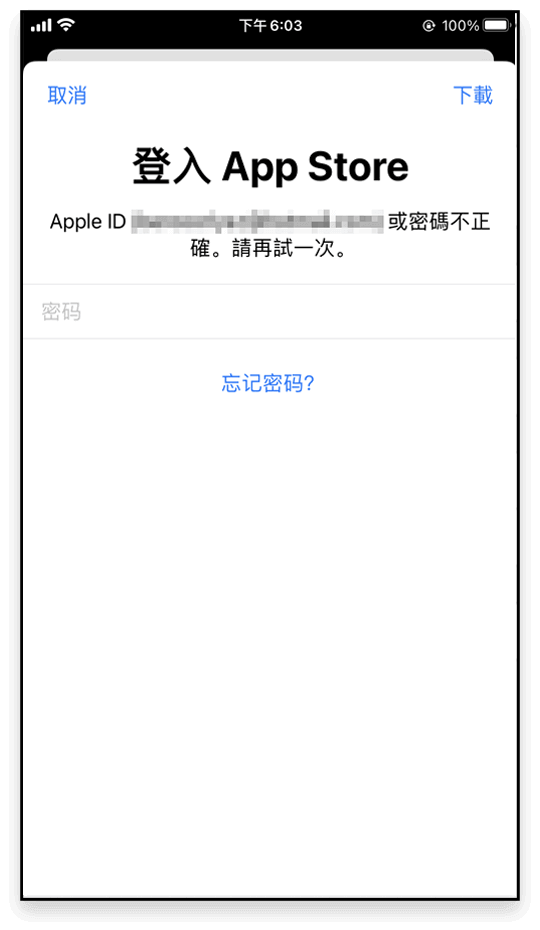
Typical case: the app was installed with <Apple ID A> but you update it while signed in as <Apple ID B>, so the store keeps demanding the first account's password;
Fix: delete the old version and reinstall with the account you use now.
An old <previous version> left on the device conflicts with the store build;
Fix: remove the old version and install the latest one.
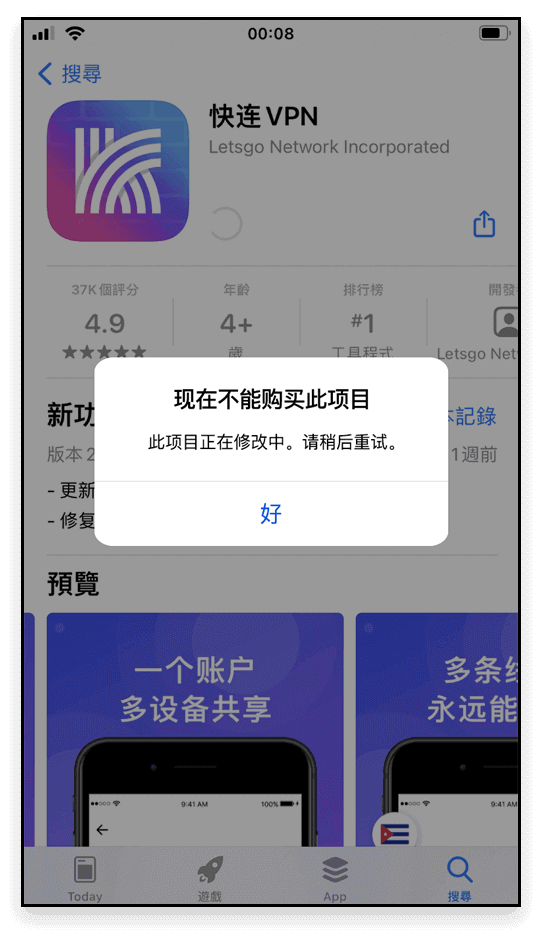
The same <previous version> conflict prevents the store from updating over it;
Fix: delete the old version and download again.
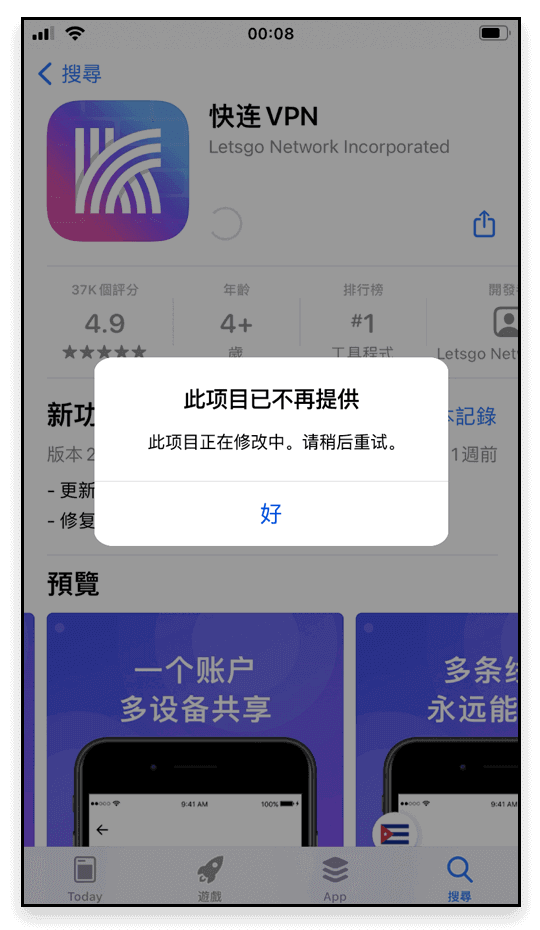
Leftover files from an old build cause the store conflict — your account is fine;
Fix: uninstall and reinstall.
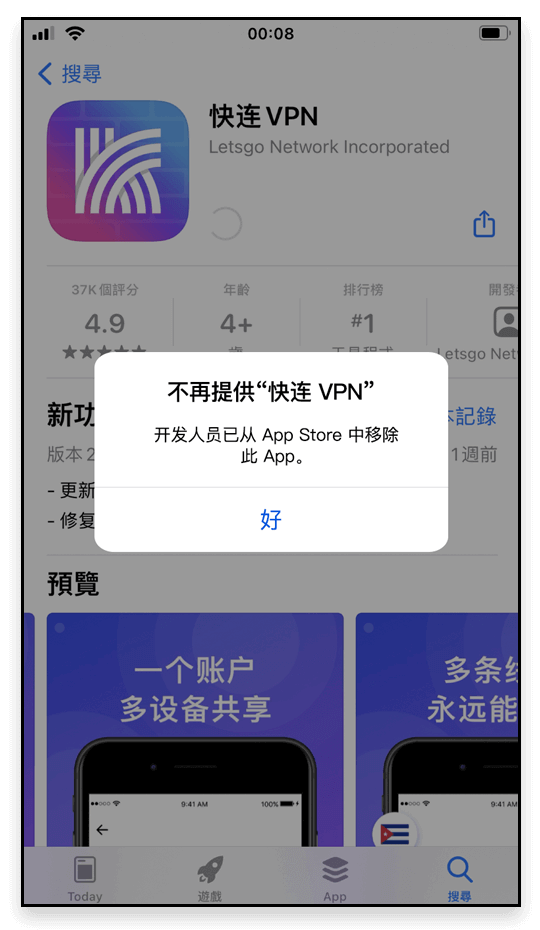
If anything during installation remains unresolved, contact live chat support and our team will see it through with you.
No logging, no storing of personal activity — every promise is written down.
Consumer privacy comes first. Lets VPN neither collects nor logs traffic data, browsing activity, or email.
These Terms of Service (“the Terms”) govern your use of the LetsVPN and the associated website domains (the “Site”).
These Terms of Service (“the Terms”) govern your use of LetsVPN Services; please read them carefully.
Sign in to view your membership, devices and orders.
Registration is available in the app — please download it first.